
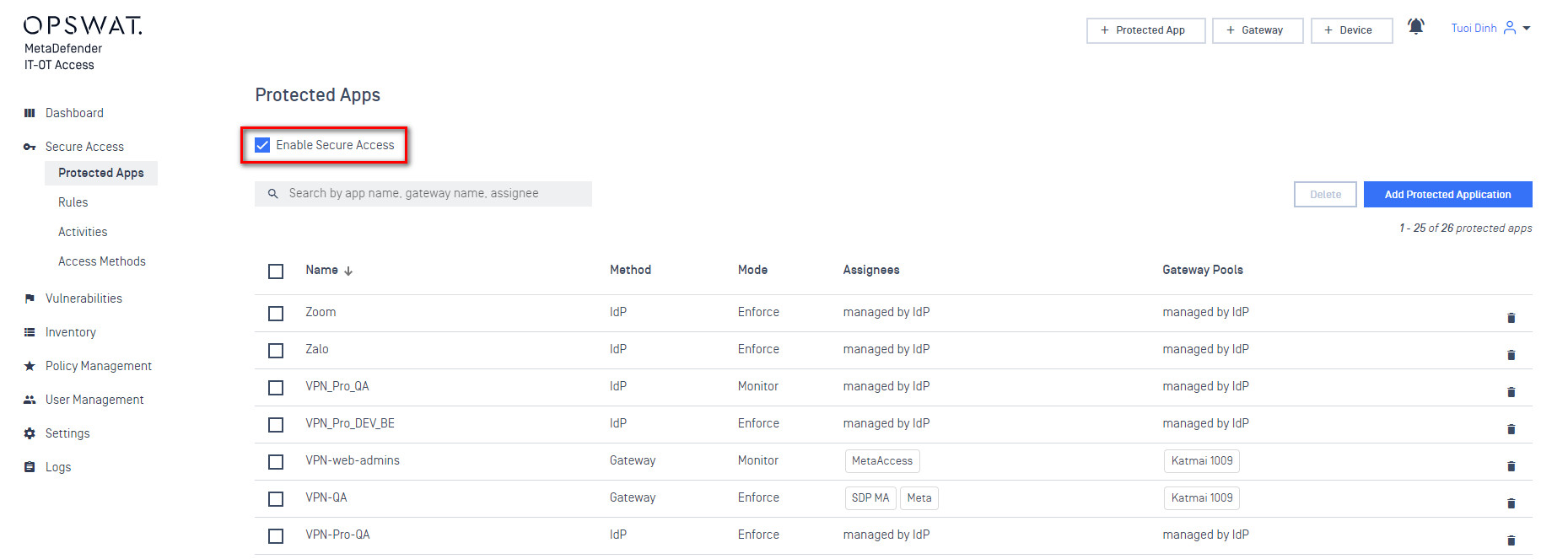
This step tells MetaDefender IT-OT Access if you want to enforce device posture check for every request which is forwarded from an IdP when a user accesses to a protected application. If you have not enabled Secure Access, MetaDefender IT-OT Access just simply forwards the SAML authentication from IdP to the specified application (service provider) in the request.
To enable Secure Access,
Log into the MetaDefender IT-OT Access console as an administrator
Navigate to Secure Access and then Protected Apps
Check "Enable secure access".
Enter your PIN to confirm the change.
Was this page helpful?
Introduction