
File Security in My OPSWAT Central Management gives you centralized visibility into file processing across your MetaDefender instances and lets you trace and act on suspicious files without signing in to each instance.
You'll find it in the left navigation under Solution > File Security. It contains five sub-pages: Dashboard, Files Processing History, Quarantined Files, Skip By Hash, Password Storage, and Policies.
File Security Workflow at a Glance
Steps | Details |
|---|---|
Step 1: Enroll | Enroll MetaDefender instances into My OPSWAT Central Management by following Enroll Products |
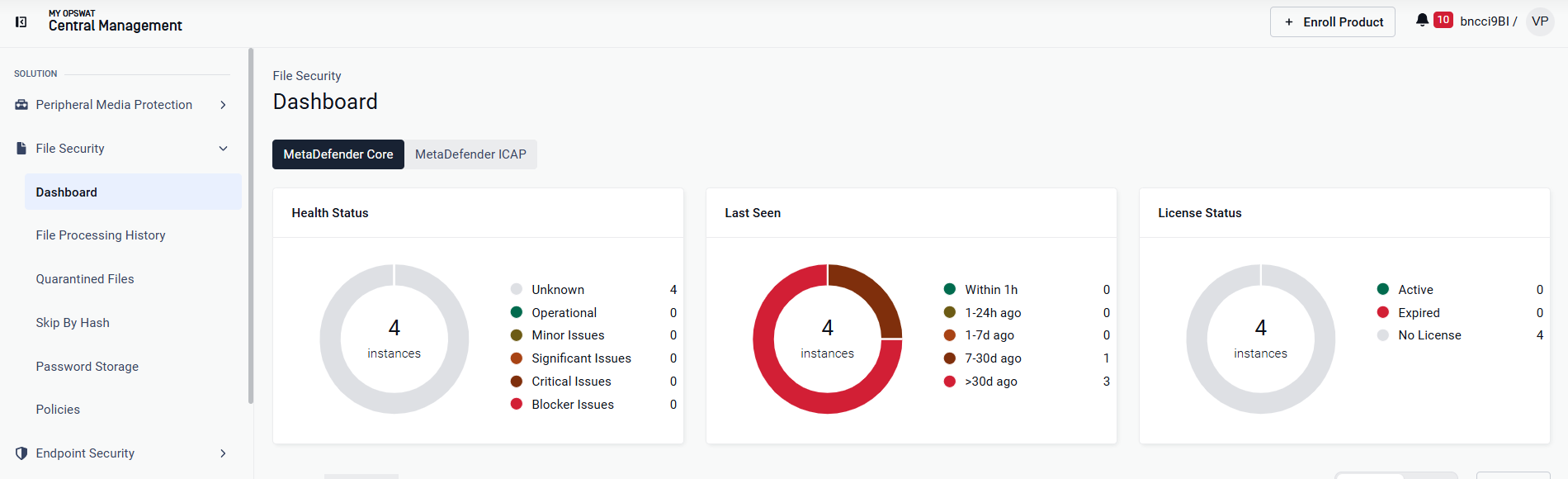
Step 2: Monitor | Track processed, blocked, sanitized, and quarantined files, plus threat detections, across all instances with the File Security Solution Dashboard |
Step 3: Enforce | Block, allow, or skip engines for known files with Skip by Hash. Manage archive passwords centrally with Password Storage |
Step 4: Investigate | Trace a file's full path across products with File Audit Trail. Retrieve, protect, or delete files with Quarantined Files |
Step 5: Maintain | Roll out module updates on selected groups before production with Staged Module Rollout. Collect logs for OPSWAT Support with Generate Support Package |